P erformance Animation
Introduction
Motion Capture best known as MoCap is a way of recording motion of a object and data by a computer using a series of sensors. The system of MoCap can collect data from the sensors attached to objects. For example; Lycra suits covered in shiny ping-pong balls (Markers). Who also plays an important role in MoCap is the actor because, a good performance means a good result in production.
The two softwares we are leaning to use are:
Vicon Blade Motion Builder


Shooting
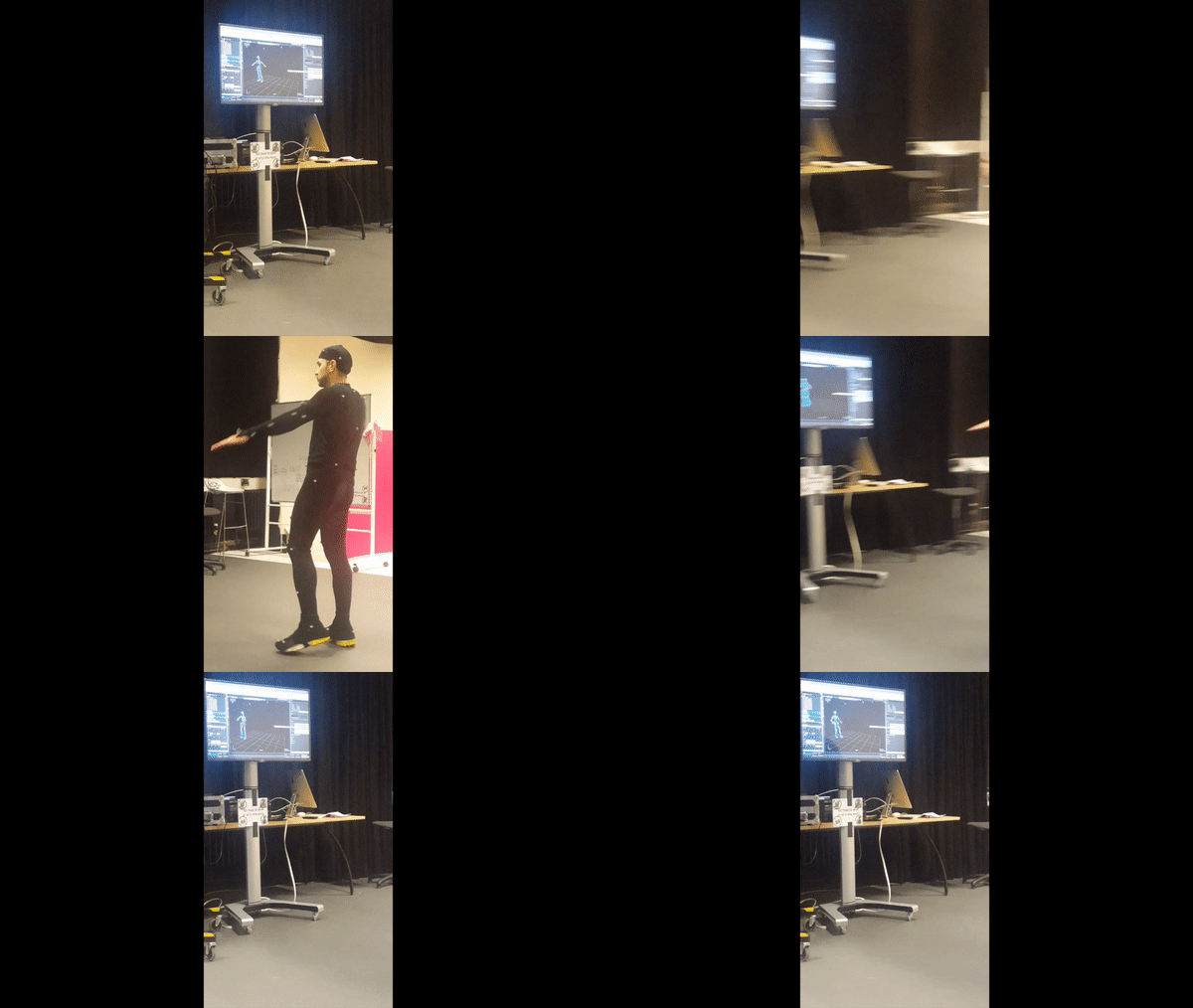

In the shooting lessons, I learned the importance of the cameras around the actor and also why is convenient to have placed another cameras near the floor where the actor is performing.
I also learned how and where to place the markers on the body of the actor and what movements to do with actor to confirm that all markers are well placed and attached to on the body parts of the actor, for example: head, leg, hip and chest.
Vicon (Blade)
The purpose of Blade software is to get data from the complex motion of the performer's body and face which later will be transferred to an animated character. Normally, producers of games and films are the ones who like MoCap.


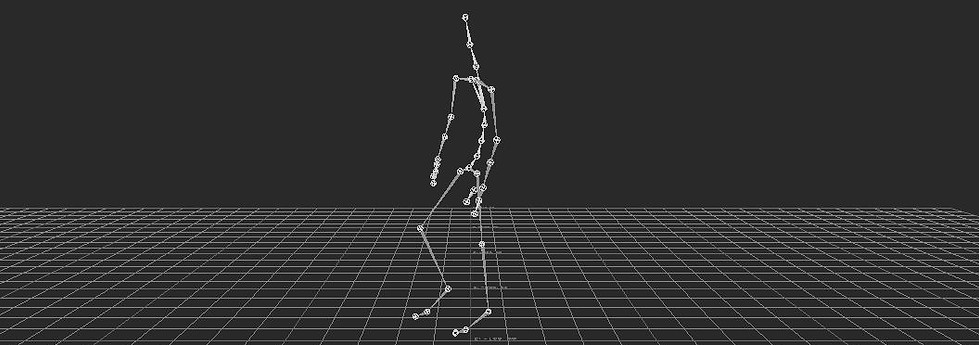
This is my final character after all the process in Vicon Blade (Calibrate,Capture Data, Reconstruction, Label, Fix Gaps, Noise and Solve Skeleton.
It was a bit complex because, my character jump and some markers got lost.

Rig Ingest (Motionbuilder)
Motionbuilder software is a specialised character tool, it functionality is specific such as setting up characters and creating basic skeleton.
In terms of rigging, Motionbuilder allows to set up a character rig from scratch and also assign manually name to each bone of the skeleton.


Before I started using my character animation I had to follow three important steps:
-T-posing
-Character Mapping
-Characterise
In this screenshots we can see my character in T-pose and also the mapping list, well known as Hierarchy.
To transfer the data from Blade to Motionbuilder was not difficult but to achieve a good final result, the character has to be well processed in Blade, otherwise the character will have strange movements such us; hand always up, leg moving backwards while the character is moving forward
Drama (Two Characters)
For my Drama project a used the same techniques I used for my previous character, with the different that in this occasion I have to process the data twice (Vicon) and T-pose the character in Motionbuilder twice as well.
Here are the final results.
Vicon Blade


Motionbuilder


