top of page
Aladdin Lamp
Modelling in Maya
Teapot Aircraft
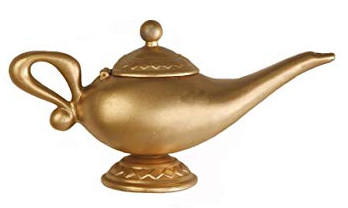
Image Reference
Modelling

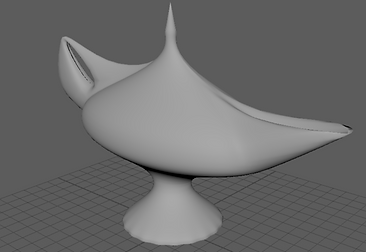
Image Reference
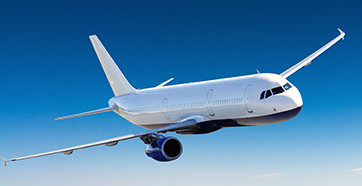
Modelling
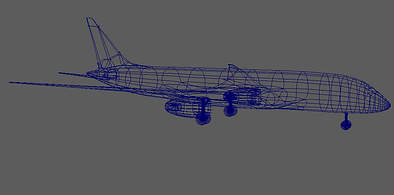
Control Tower
Image Reference

Modelling
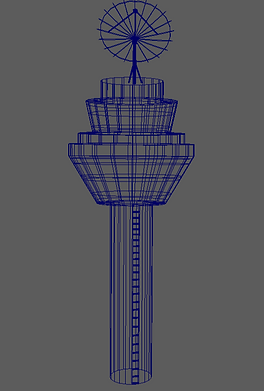
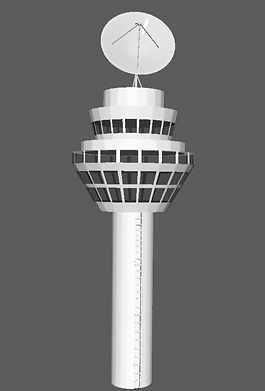
The modelling process was around 3 to 4 days. Each of the models has more than tow polygons in order to create a realistic model.
Texture on the objects (Maya & Substance Painter)
Teapot

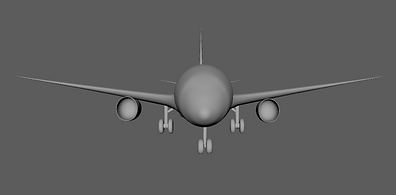
Aircraft
Aircraft

Control Tower

Scenes for the project
The location chosen to be filmed is a kitchen. Where the aircraft will be landing on the surface.


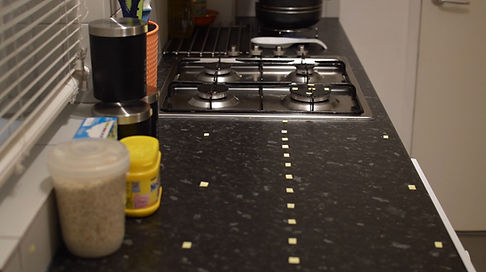
These three different angles will play an important role in order to achieve the particles simulation as well as landing the aircraft.
Being able to place CGI objects in live footage, I had the idea to place some markers around the kitchen. Therefore, tracking will not be a problem in 3D Equalizer.
Nuke software will help to clean up the markers later in post-production.
- Test (teapot + smoke + aricraft)
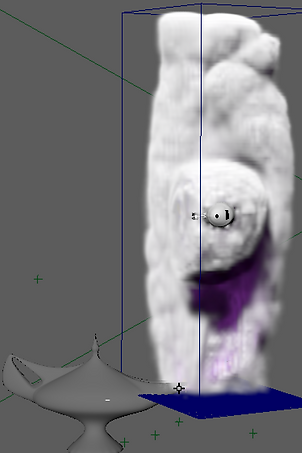
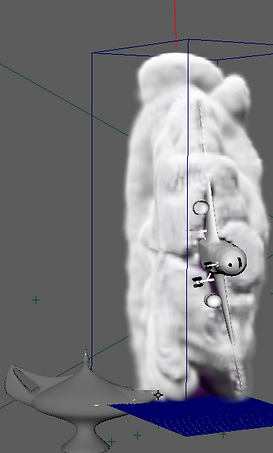
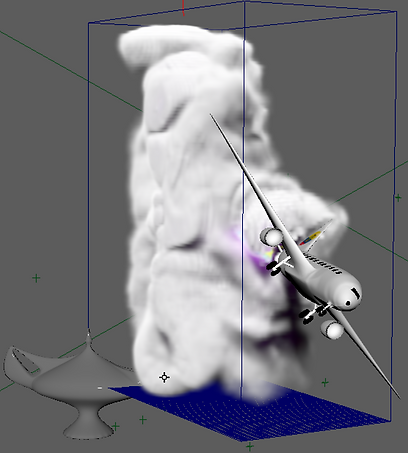
A 3D container was attached to nPartciles with the purpose to have more control to the smoke. Once the smoke was done, I added to the aircraft a collide from Fluids.
- Test (aircraft + smoke)
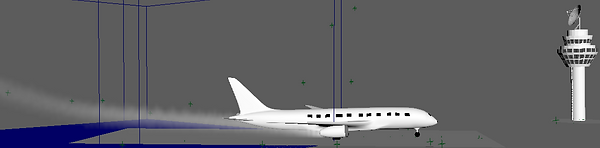
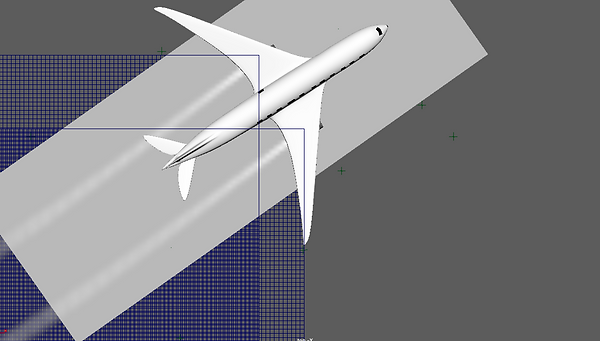
One of the 3D containers is attached to the polygons placed in each of the engine aircraft. I was able to add the amount of volume for each of them and also to animate the fluid.
1- Select the polygon attached to the 3D container.
2- Drag and drop the polygon to the Aircraft polygon in the Outliner section.
3- Animation will be automatically for the fluid (smoke), following the path of the aircraft.
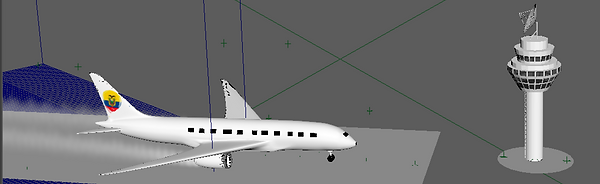
Turntable of the objects in Maya
Teapot
Control Tower
Aircraft
First simulation test (Pre-viz)
bottom of page